
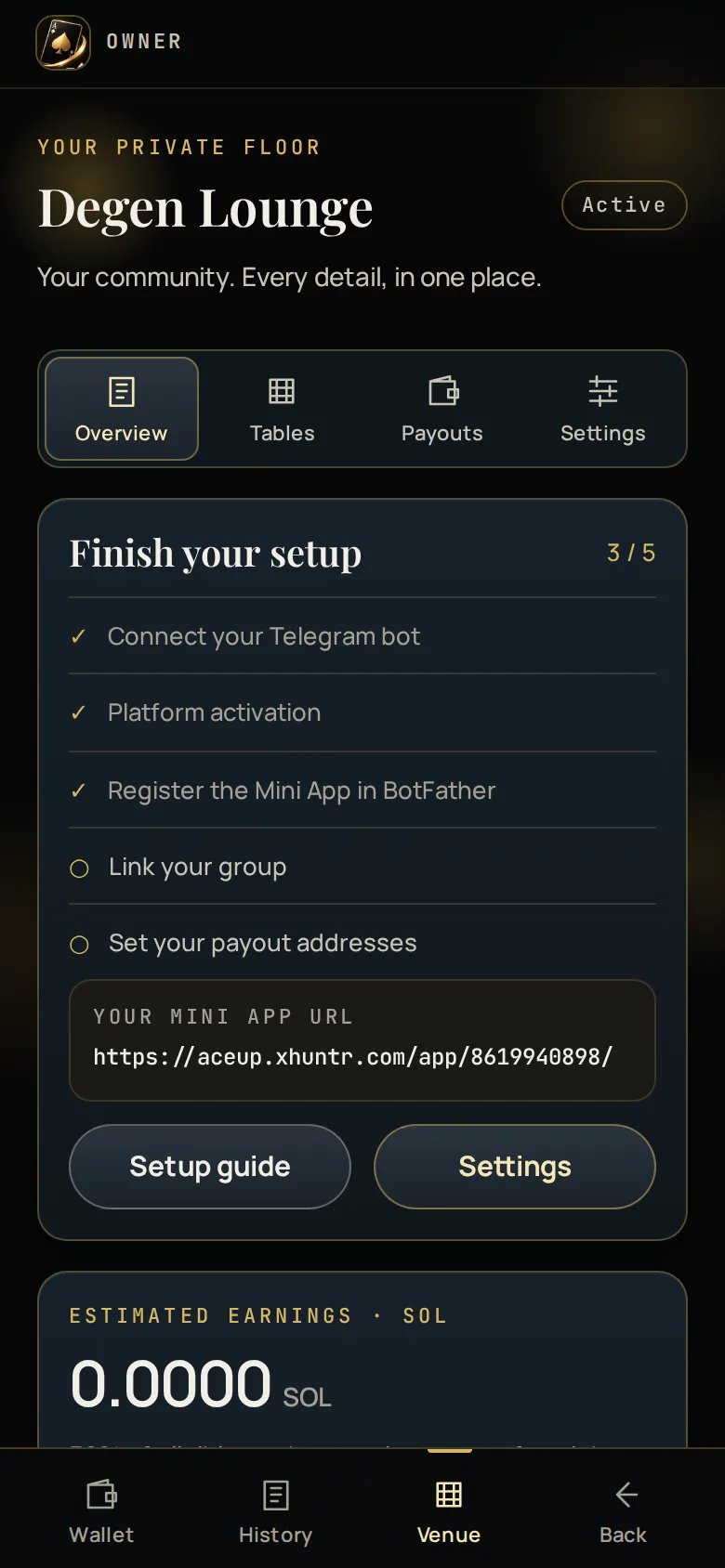
This period
The current two-week period, per asset:
Handle and unique players are the two that tell you whether the venue is
growing. Your share alone does not — a quiet period with one lucky player looks
much like a busy one.
Carry-forward is explained on the screen where it bites, not in a footnote.
The other three tabs
Tables
Names, limits and seats.
Payouts
Every closed period and the CSV.
Settings
Name, welcome line, group posts, managers, bot health.
Getting to it
You are an owner, so a seat refuses you — but the gate that refuses the seat offers Your venue and Wallet, so the dashboard is always one tap away from the app your own venue runs.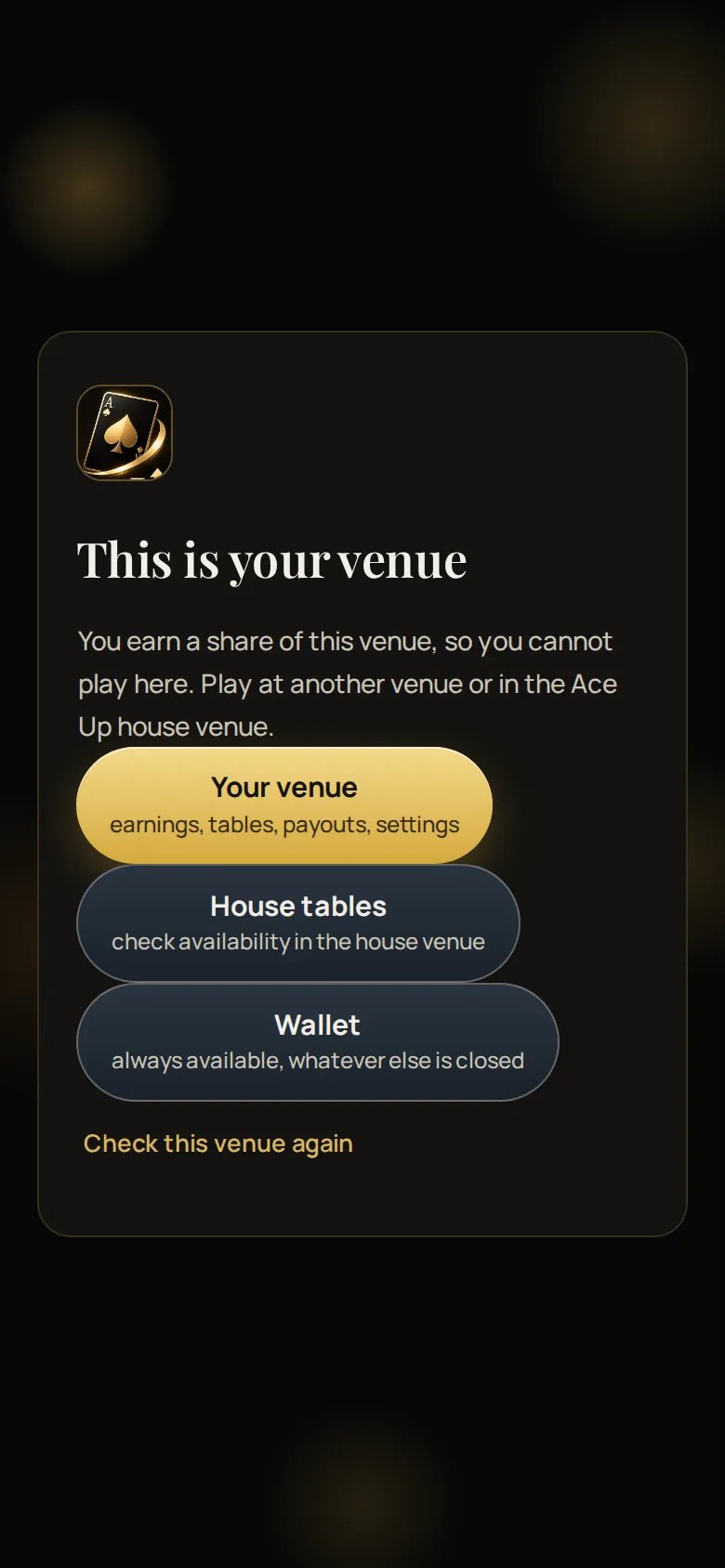
What you can and cannot see
Player privacy is not a setting. An owner sees their venue’s totals, not their
members’ money.