
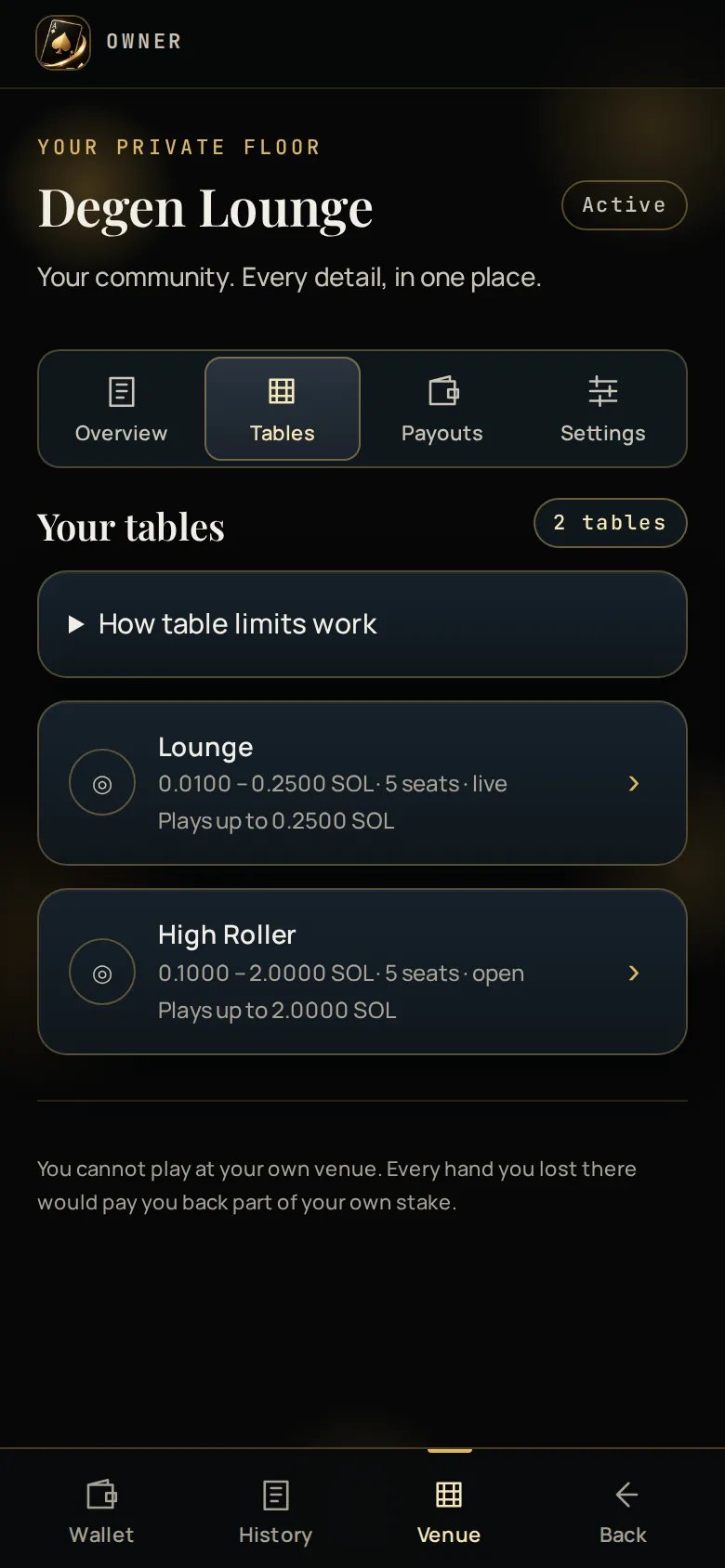
The bankroll cap
No single hand may risk more than a fixed fraction of the house bankroll. Ace Up funds that bankroll, so that ceiling is not yours to raise. If you set a maximum above the cap, it is kept and shown clamped rather than rejected. As the bankroll grows, your table’s real maximum rises towards the number you set, automatically. You do not have to come back and edit it. That is why the High Roller table starts lower than its name suggests and gets more interesting over time.Picking a minimum
The table minimum is the single setting that decides whether your group plays.- Too high and people look once and never come back — and they will not tell you that is why.
- Too low and the venue earns very little per hand, though it earns it from more people.
Seats
Two to seven per table, five by default. More seats means a longer wait between your turns, because every seat has its own 15-second turn timer. Five is the number the table layout is drawn for.What you cannot change
Changes take effect at the next betting window. A table mid-round finishes that
round on its old limits.