
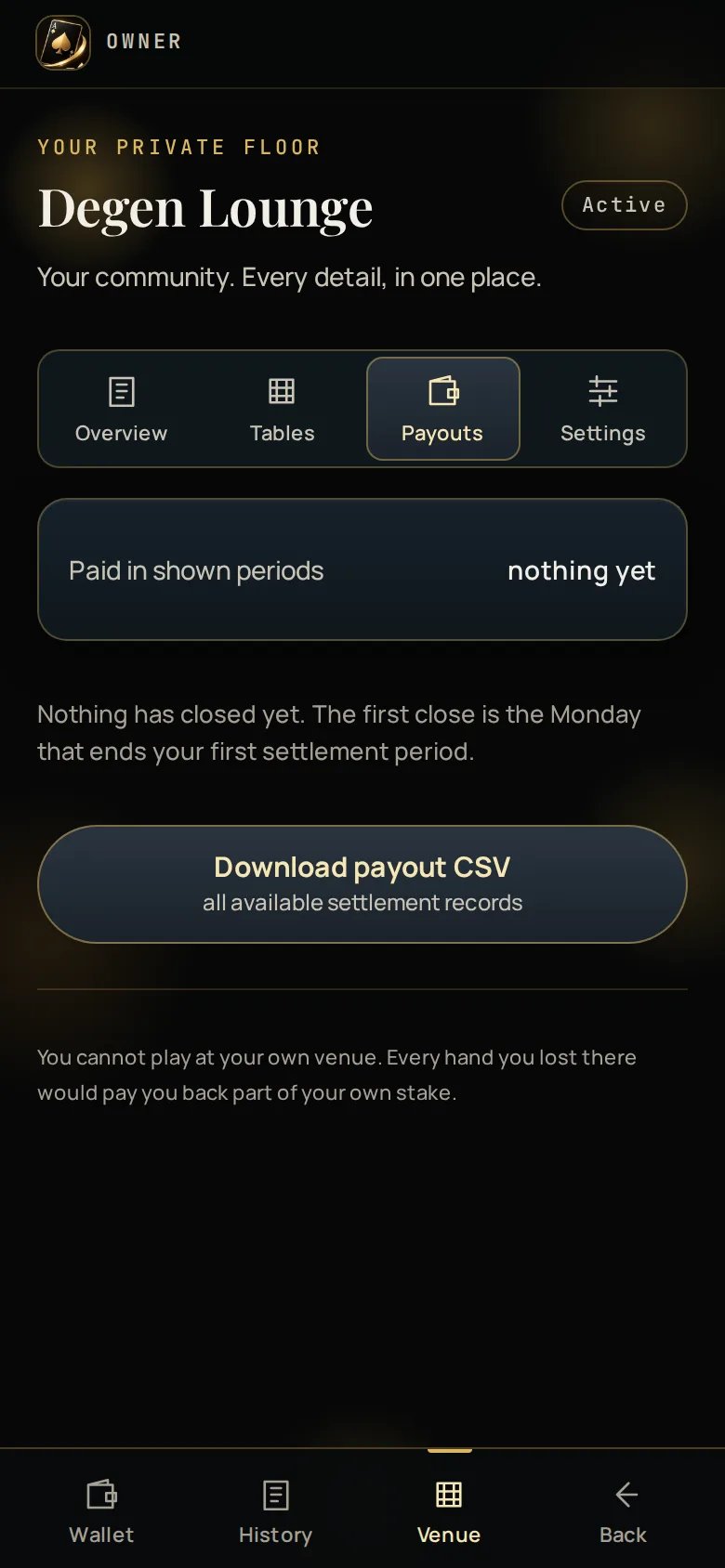
The Payouts tab
Periods that carried a deficit forward appear too. A payouts list that only
showed the periods you were paid would be hiding the half of the picture that
explains the other half.
Your payout address
Set one per asset, from the Settings tab. Until you do, payouts are held rather than cancelled — set an address and the held amount goes out on the next run. Payouts go to an address you control, on that chain. Ace Up never holds your share for you beyond the period it was earned in. When a payout lands on the chain your bot sends you a “Paid” message with the amount, the address and the transaction.Statements
Each closed period has a statement with:- hands played and total handle
- house net for the period
- carry-forward in and out
- your share, and the percentage it was calculated at
- the transaction link, once it has been sent
The CSV export
The Payouts tab has a CSV export. It arrives in your bot chat as a file rather than downloading from the page.That is deliberate. A download link opened from inside a Mini App does not
carry your login, so the file that saved would be an error page rather than
your data. Sending it through the bot means it arrives as a real file, signed
in as you.
When payments run
The close runs on the Monday after a two-week period ends (the second Sunday, 23:59 UTC). Payouts follow the close, and sends happen the moment they are queued.Reconciling
The numbers on your statement are frozen at close. If a statement does not match what you counted, the per-period rows and the CSV carry the hands and handle they were computed from, so the difference is findable rather than a matter of opinion. Anything you cannot reconcile goes to support with the period key —2026-W37, the ISO week the period started in — which is the fastest
thing to give.
How the money works
The 30%, the threshold and carry-forward, worked through.