Bot commands
Seven, in every Ace Up bot — the house bot and every venue’s own bot./pause and /support are not tucked away on purpose. A self-exclusion nobody
can find is not one, and support behind a docs page is not support.
The menu button
Every Ace Up bot shows ♠ Play as its menu button, bottom-left of the chat. One tap opens the Mini App.The More menu
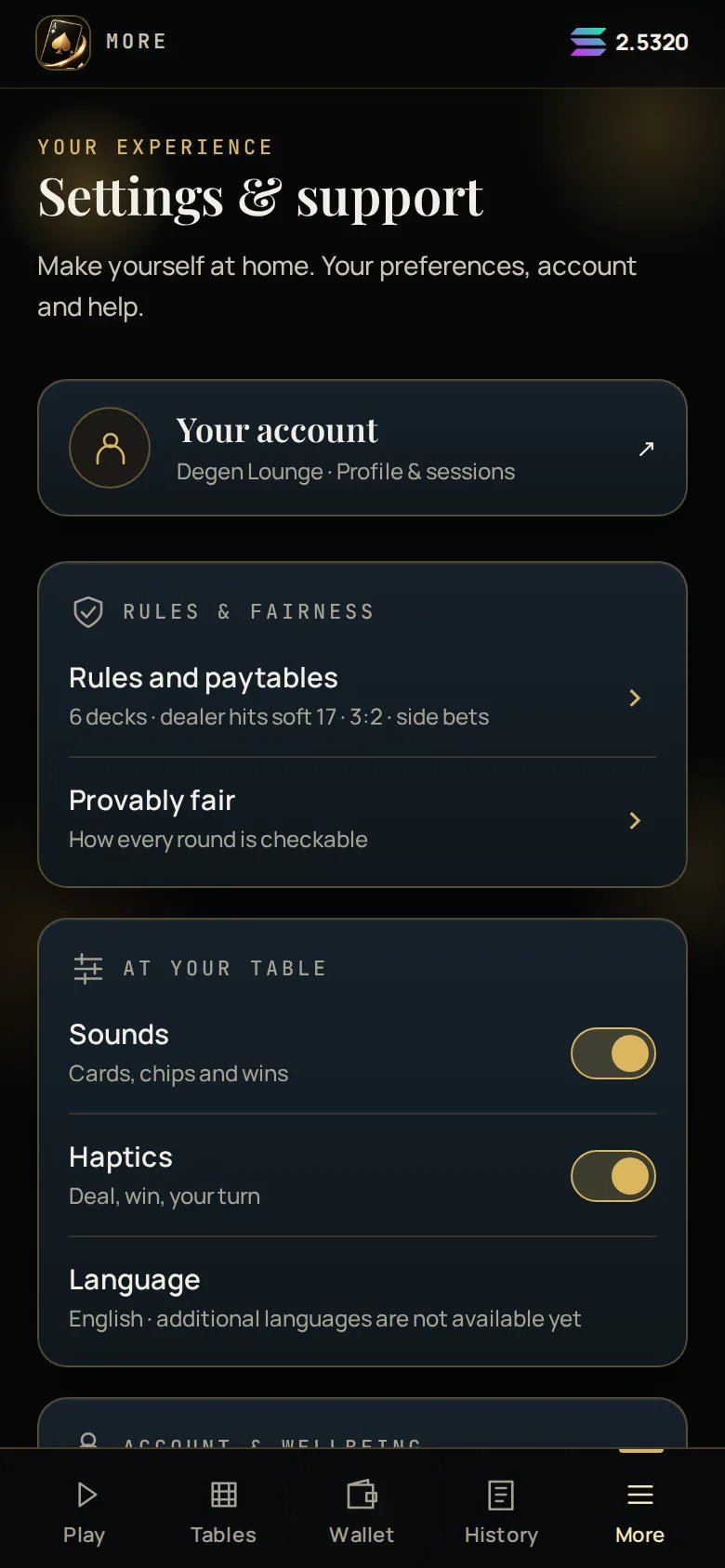
Owners see a Your venue row. Platform admins see a Platform row. Nobody
else does.
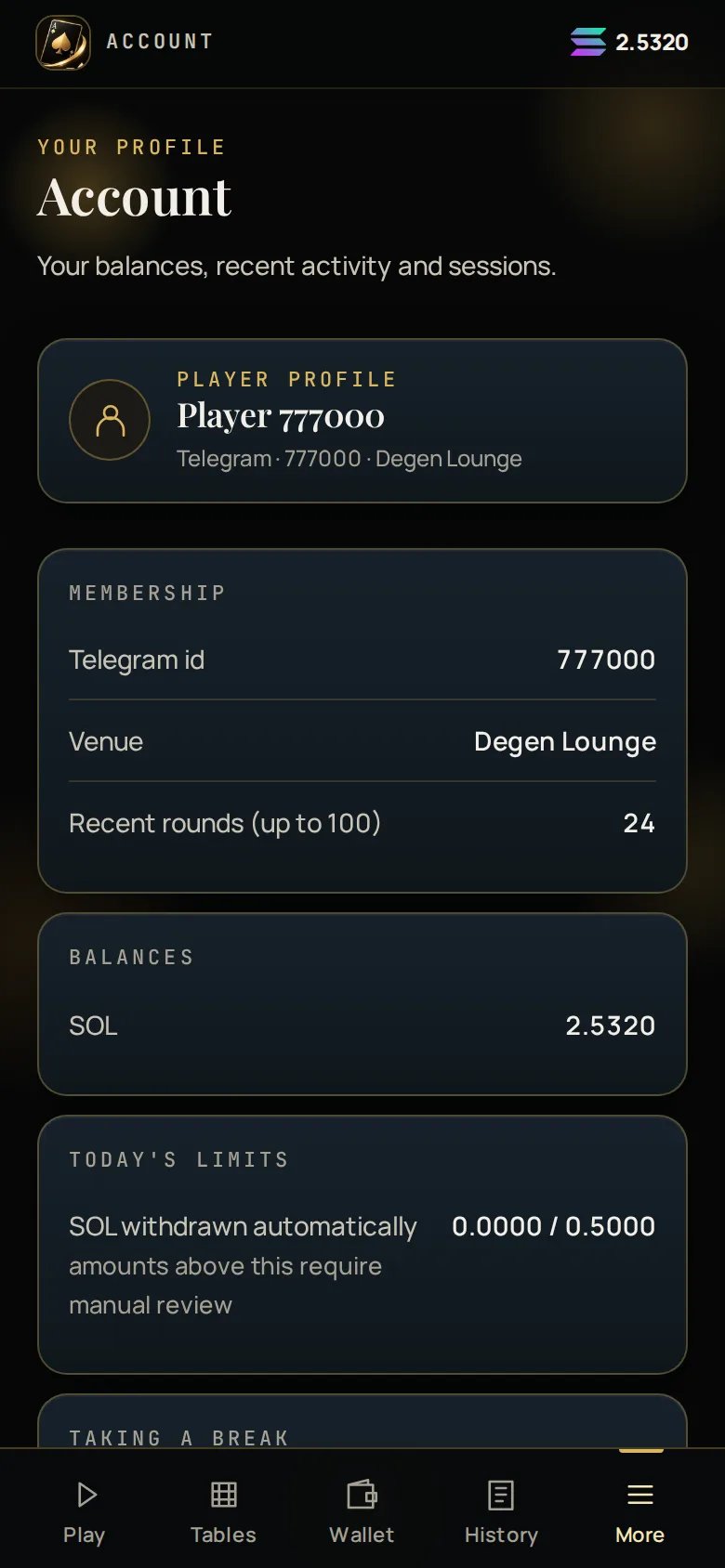
Your account
The Account screen carries:- Your display name at tables — your Telegram first name, or an alias you set
- Your language
- Whether your wins are announced in group chats — you can turn this off
- Your active sessions