
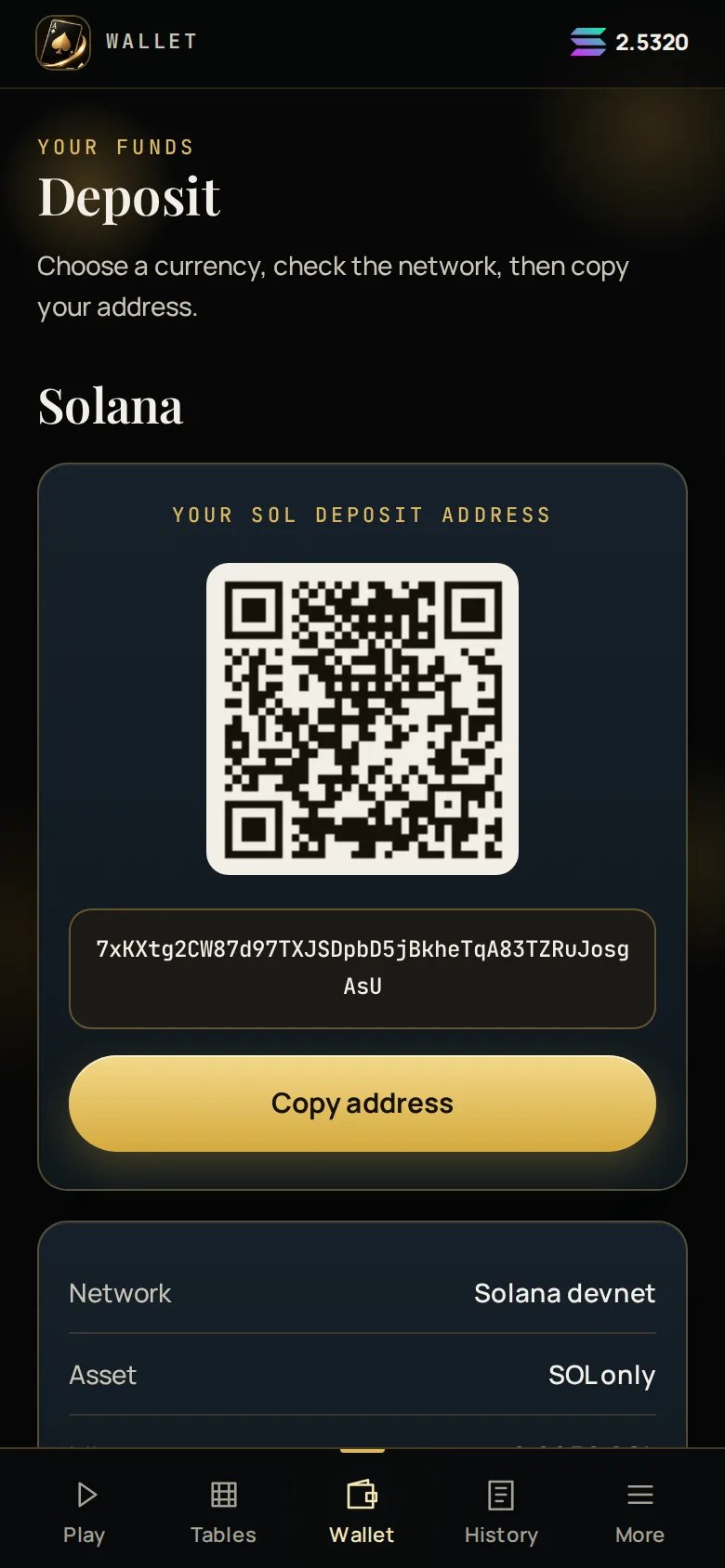
This screenshot was captured during the testnet pilot, so the network row reads
“Solana devnet”. On the live game it names the mainnet network.
The two chains
- SOL on Solana
SPL tokens and wrapped SOL are not credited. They are a different asset
at the same address.
There is no “I’ve sent it” button
Ace Up watches the chain. Your deposit is detected and credited on its own, normally within about 30 seconds of confirmation. There is nothing for you to press, and nothing you can press to make it faster. While the screen is open it shows Watching for a deposit ● live, so you can tell the difference between “nothing has arrived yet” and “the screen is stuck”. If a deposit is seen but not yet credited, the wallet says so explicitly, with the amount, the transaction, and when it becomes playable and withdrawable.After it lands
The hold exists so a deposit cannot be bounced straight back out. It never stops
you playing. See Holds and limits.